AI Virtual Try-On: See How Any Garment Looks on You
Upload your photo and a garment image, choose the garment type, and preview it on your own body.
Person Photo
Garment
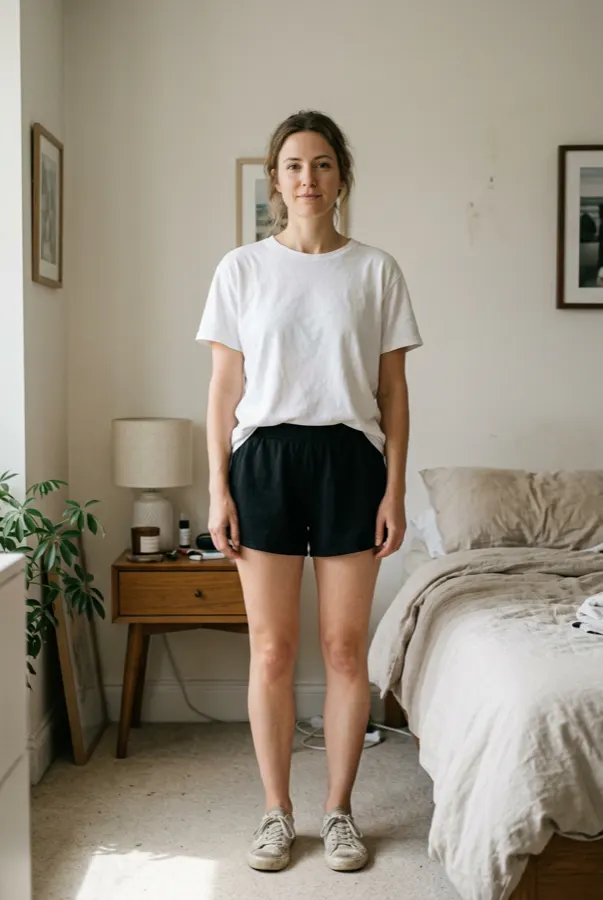
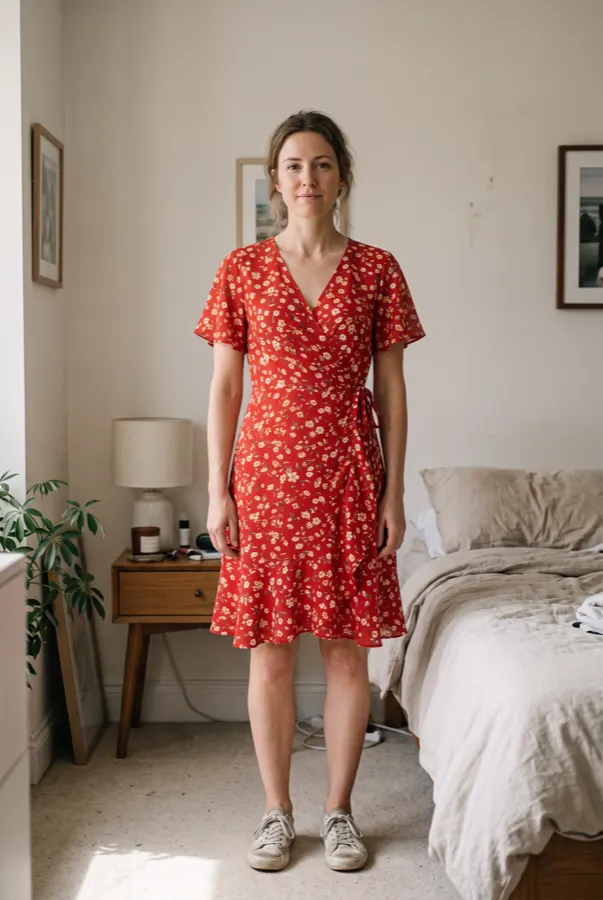
A virtual fitting room for one garment at a time
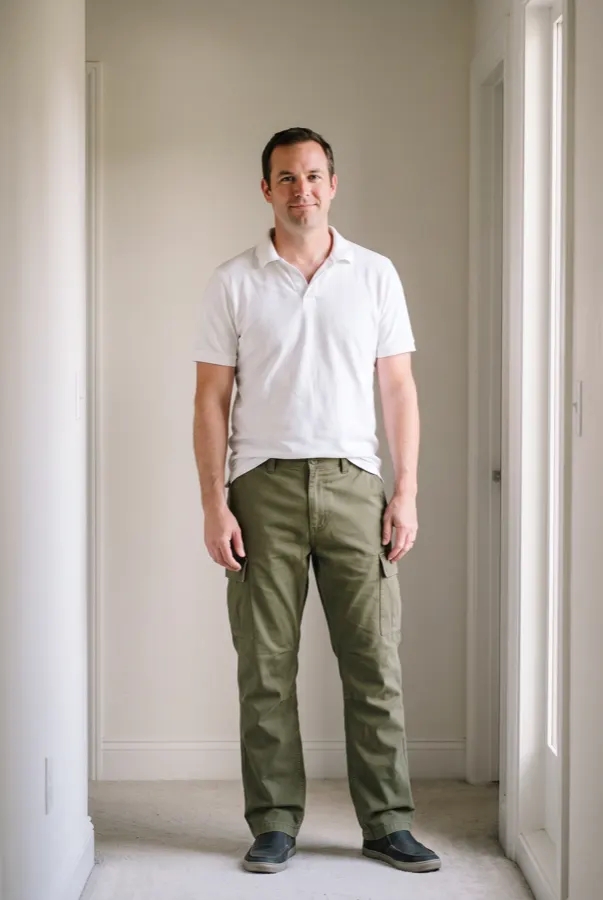
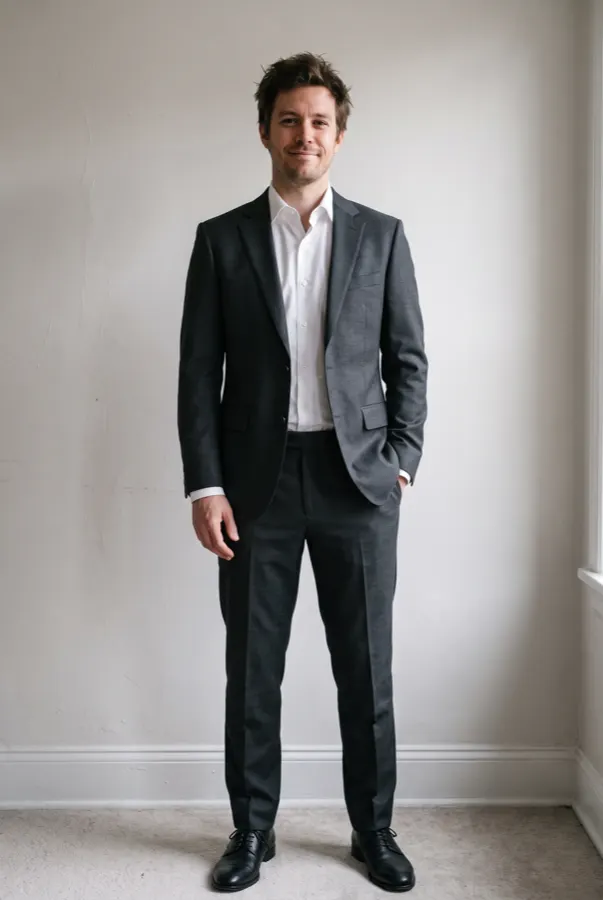
Virtual try-on places a garment from a product photo onto your own photo. Choose whether it is a top, a bottom, a dress or a full outfit, so only that part of what you are wearing is replaced and the rest of your clothes stay. Your face, pose and background are kept. It previews the look, not the fit: check the size chart before you buy. Drag the slider to compare an unedited result with its source.
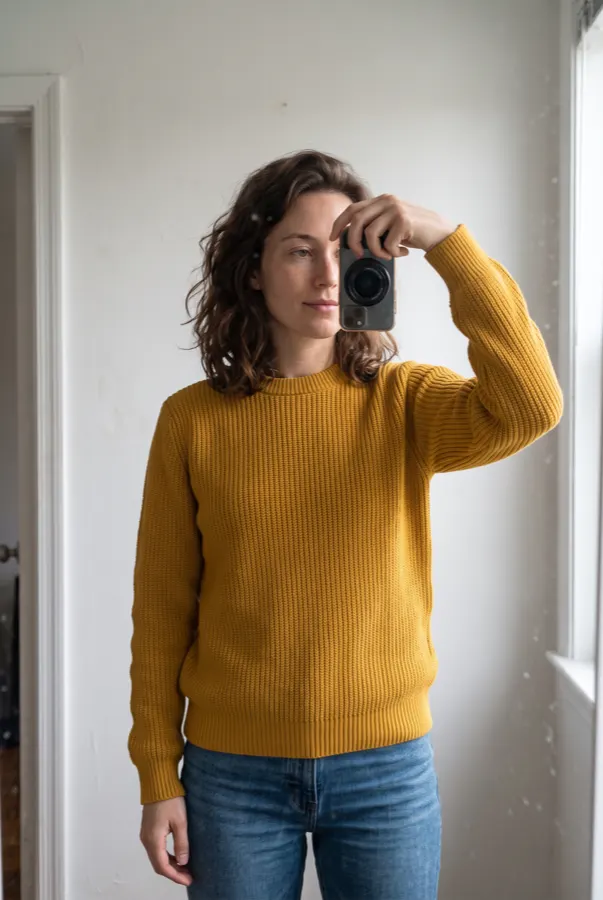
BeforeAfterCheck a top with the trousers you already own
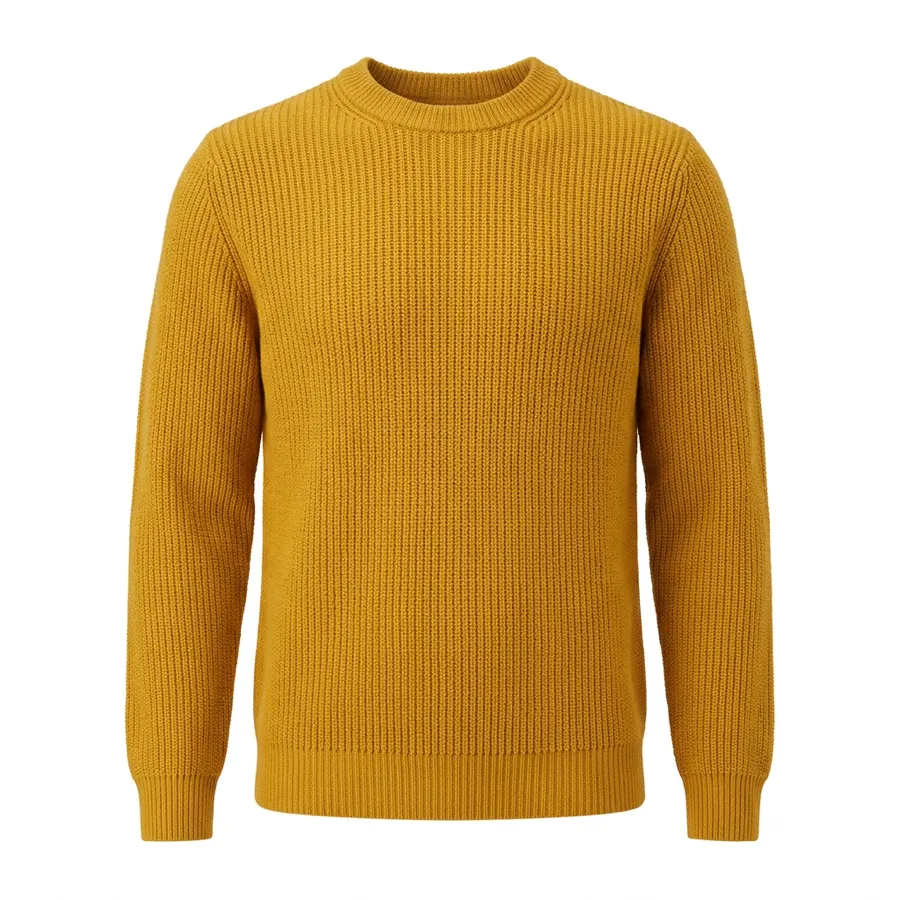
Choose Top and the sweater, shirt or jacket replaces only your upper garment, so you can see it with the jeans or skirt you are wearing in the photo.
Start virtual try-on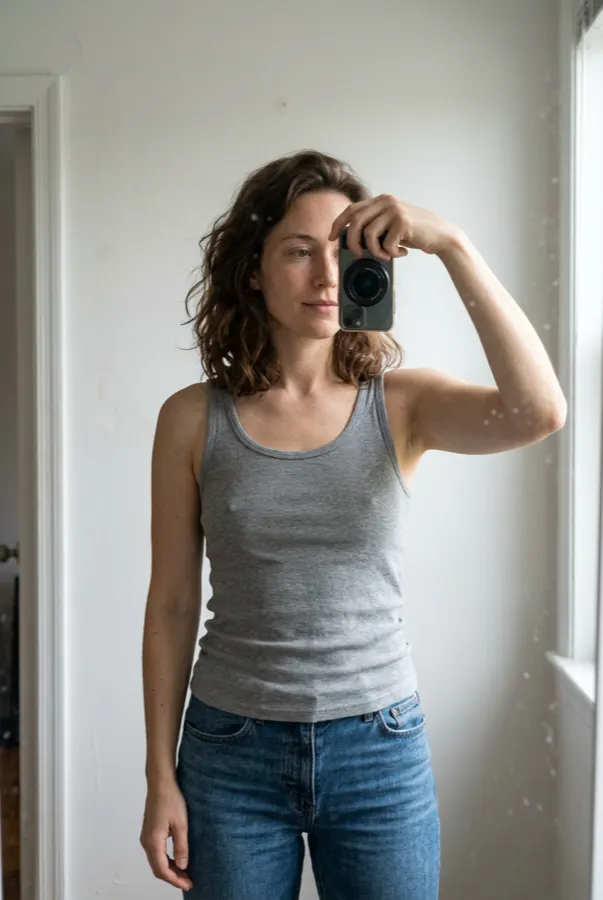
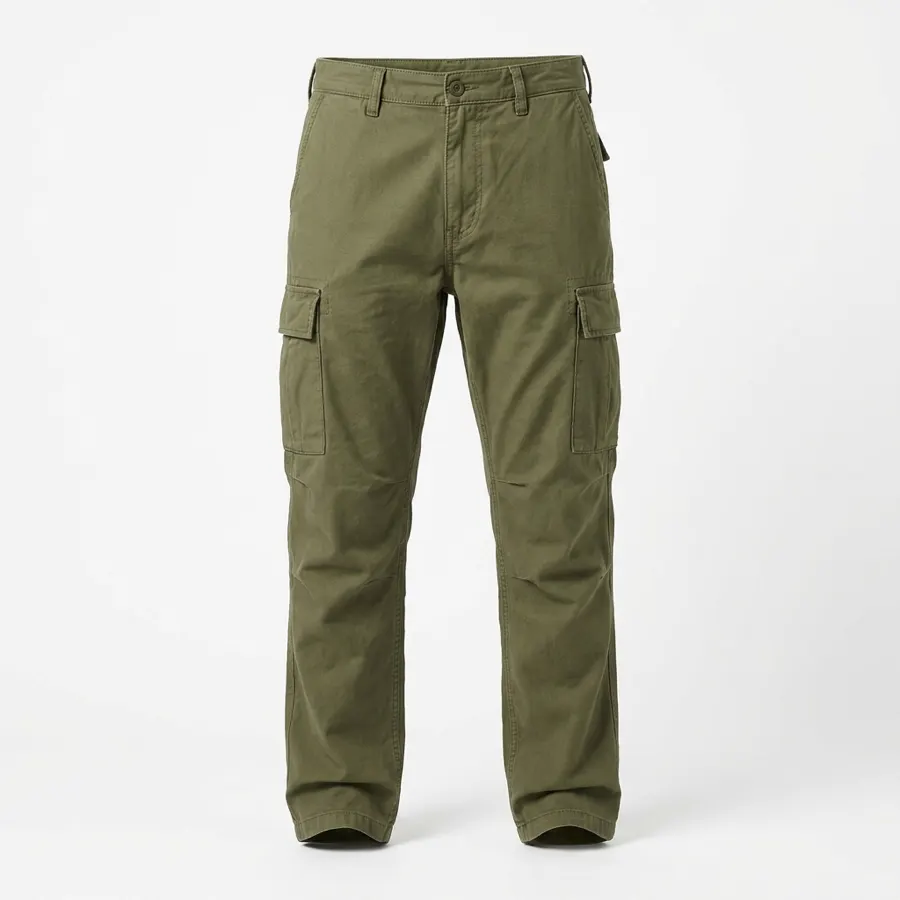
Compare trousers and skirts
Choose Bottom to swap only the lower garment. It is a quick way to compare cuts and colours against a top you plan to keep.
Start virtual try-on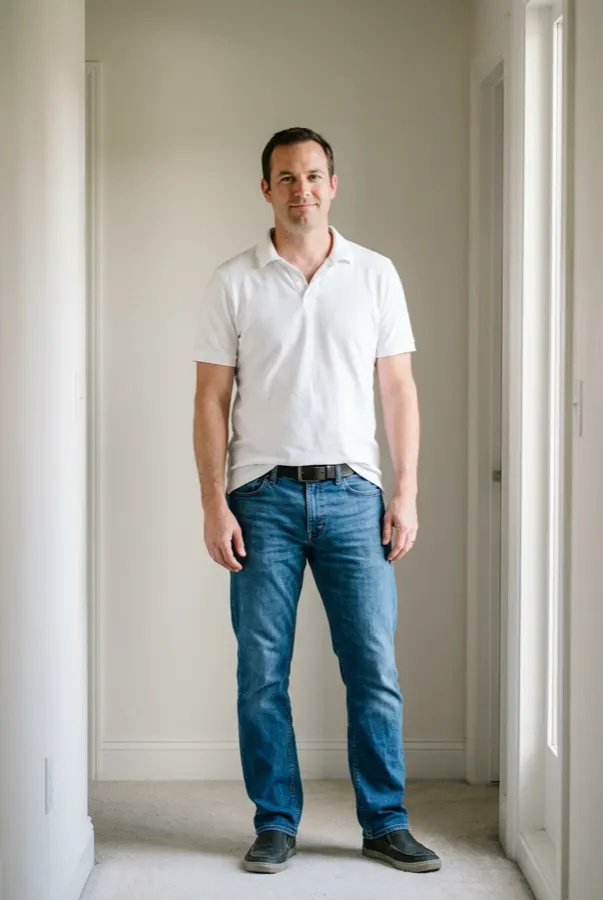
Preview a whole outfit for an occasion
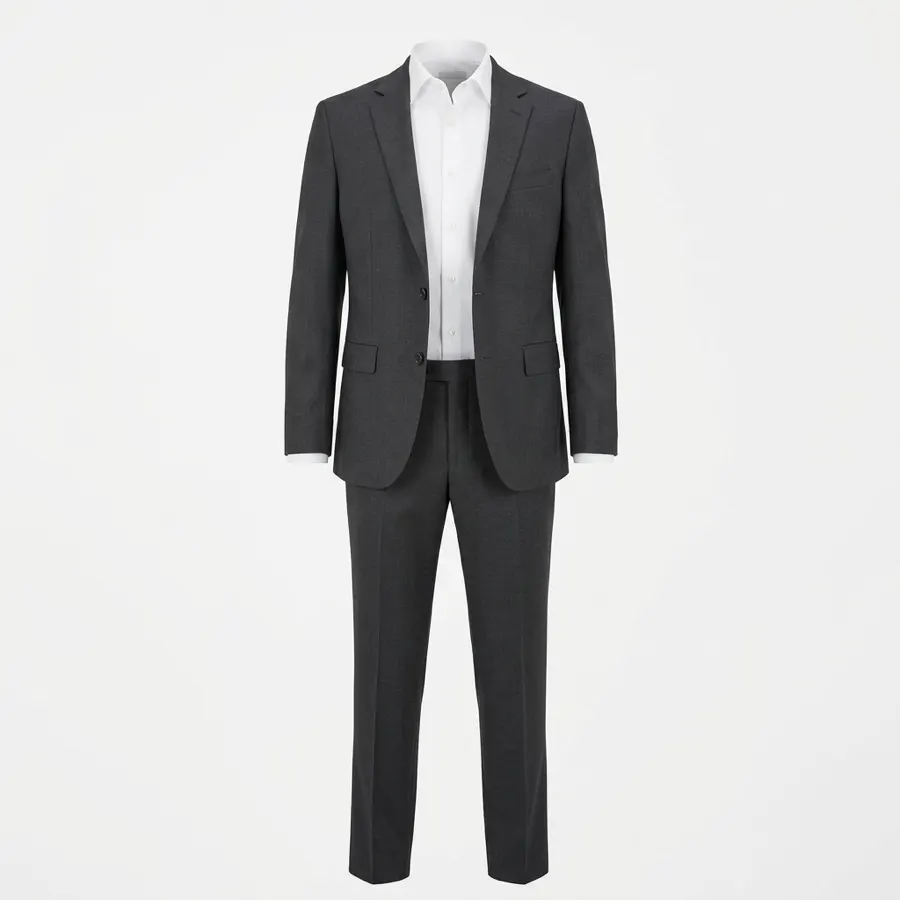
Choose Full outfit for a suit or a matching set from one product image. Run a few candidates on the same photo and compare them side by side.
Start virtual try-on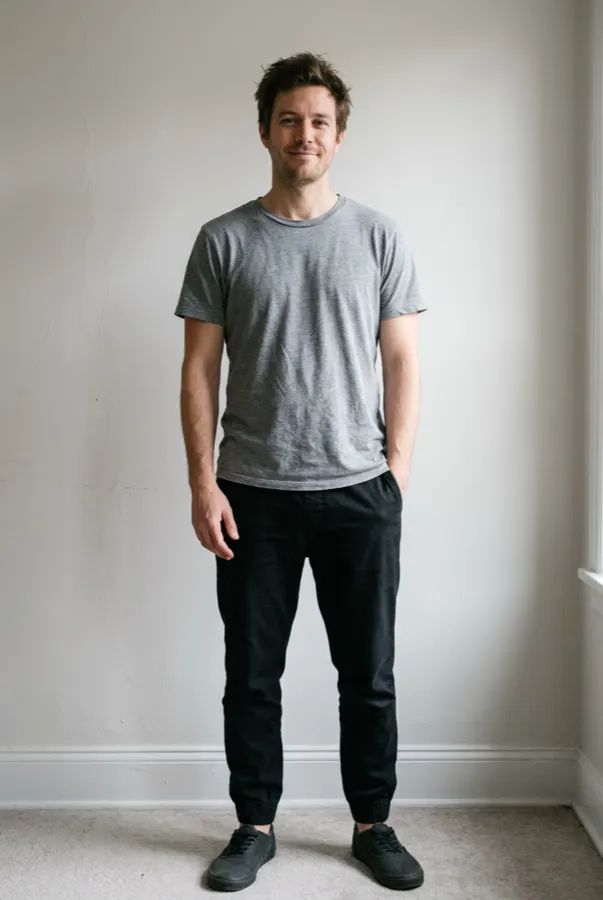
How to use virtual try-on
Four steps, one garment image.
- 1
Step 1: Upload your photo
Stand facing the camera in even light, with the part of your body the garment covers clearly visible.
- 2
Step 2: Add the garment
Pick a preset or upload the largest product image from the shop, showing the whole item.
- 3
Step 3: Choose the garment type
Top, Bottom, Dress or Full outfit tells the AI what to replace and what to leave.
- 4
Step 4: Try it on and compare
Press Try It On, then compare the result with the product image before you decide.
Step-by-step
Key features of virtual try-on
Garment-type control
Unlike a general clothes changer, you say which part to replace. A top keeps your own trousers and shoes; a bottom keeps your own top.
Start virtual try-onFitted to your pose
The garment is redrawn on your body with folds and shadows that follow your pose and the light in your photo, rather than pasted on flat.
Start virtual try-on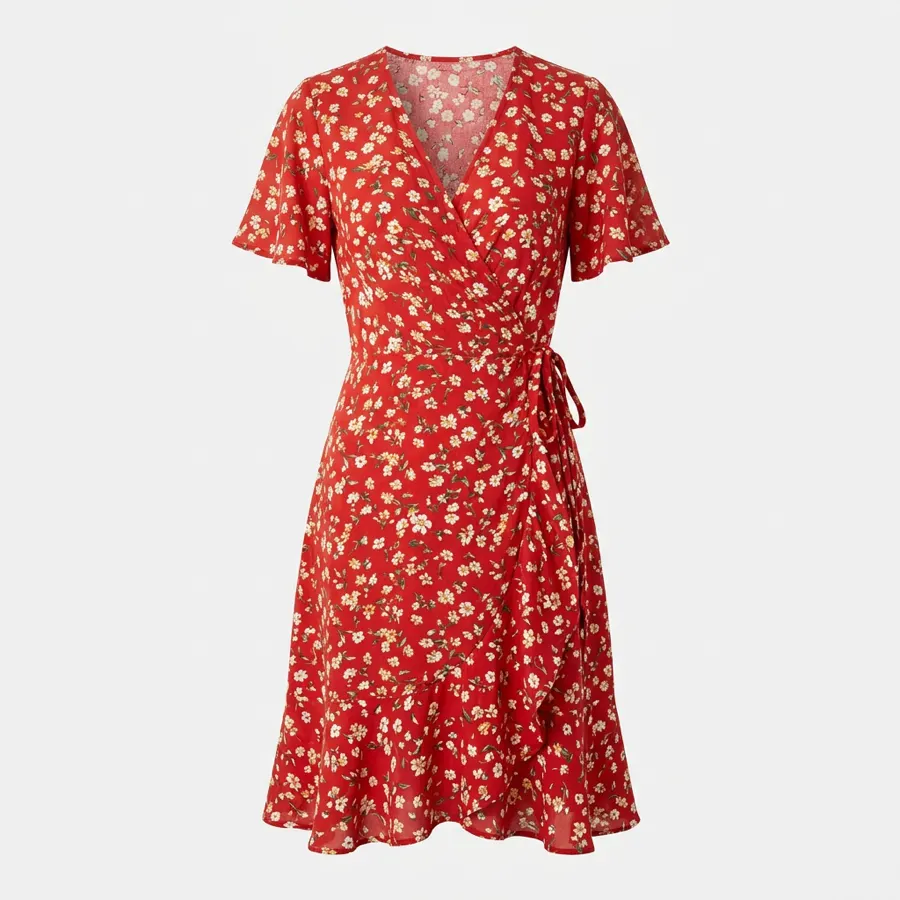
Live try-on when you want motion
A still shows the look from one angle. The live studio's Try-On mode puts an outfit on your webcam so you can turn and move.
Start virtual try-onWhy choose our virtual try-on
Clear cost, refunds on failure
20 credits per try-on, shown before you start. Failed results are refunded and your first photo result is free.
Photo and live in one place
Use the same balance for photo try-on, the clothes changer and the real-time webcam studio.
Private by default
Your uploads and results stay in your account's private storage and are never used to train models.
Virtual Try-On FAQs
It is a way to preview clothing on your own photo. You upload a picture of yourself and a picture of a garment, and the AI generates an image of you wearing it.
The engine is the same. Virtual try-on adds a garment-type choice, so a top or a bottom replaces only that part of your outfit, which suits checking a single item from a shop.
No. It shows colour, cut and proportions, not real measurements, stretch or drape. Use the retailer's size chart and reviews for fit.
Large, evenly lit product images that show the whole item from the front, on a plain background or on a model. Avoid thumbnails, folded items and images with several products.
Not reliably. The tool is built for tops, bottoms, dresses and full outfits.
Each result uses 20 credits from the same balance as the live studio, and failed results are refunded. Your first photo result is free: the first time your account uses a photo tool, we add the credits it needs. You need to sign in with an account.
No. You download the image at about 2K resolution without a watermark.
Your photos and results are stored privately with your account and sent to our third-party image AI provider only to create the result. We do not use them to train models. Email support to have them deleted.
Only with their permission. You must have the rights to every photo you upload. Impersonation, deception, sexual content and photos of minors are not allowed under the acceptable use policy.
Try it on before you buy
One photo of you and one garment image. Your first photo result is free.
Get startedRead the guide: virtual try-on for a single item