Credit top-up
$10 / 1,000 credits
1,000 credits · about 28 minutes of live face swap.
- Live Face Swap · Try-On · Restyle
- One-time purchase · credits never expire
Swap your face on your webcam in real time. No GPU, no install.
Choose a face, turn on your camera and see AI swap it in real time. New accounts get 10 free credits.
Sign up and get 10 free credits.
Your camera feed isn't recorded or saved and can't be seen by other users.
Upload a clear, front-facing photo of a face you have the rights to use — or a style or outfit image for Restyle and Try-On.
Allow camera access in your browser. Face the light and keep your face inside the frame.
Press Go live. The AI output appears beside your camera within a moment and follows your expressions and movement.
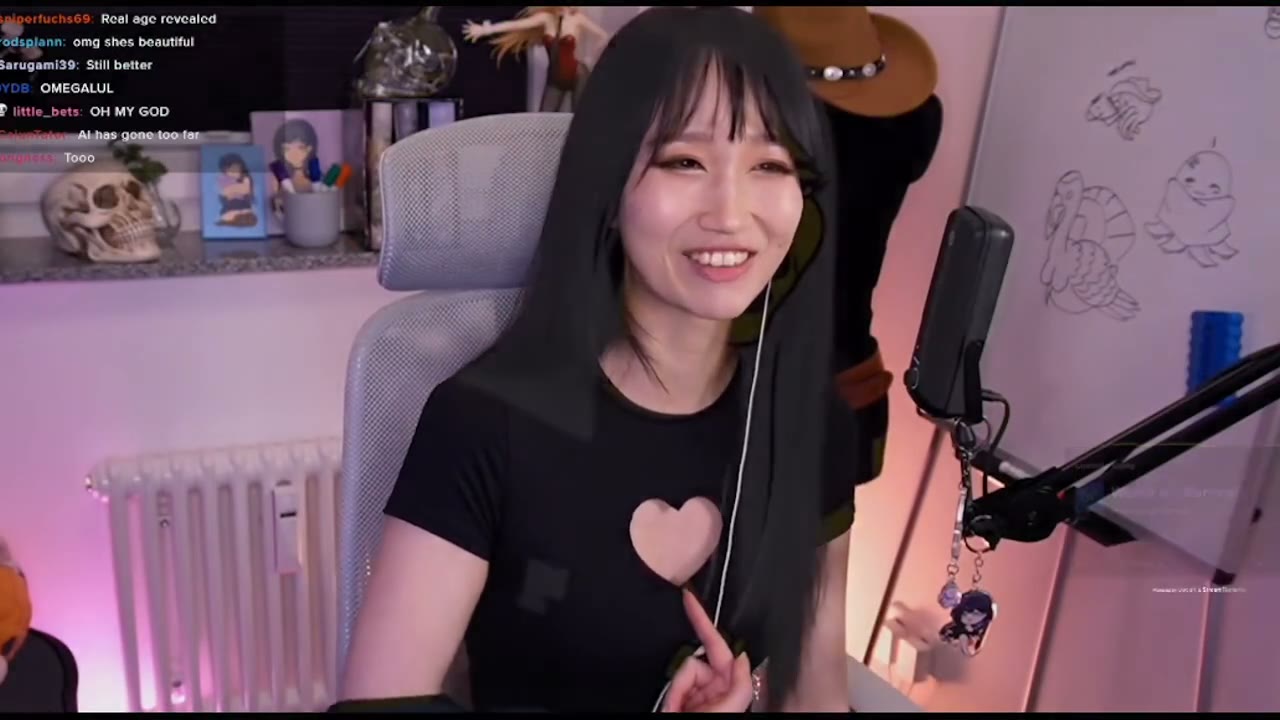
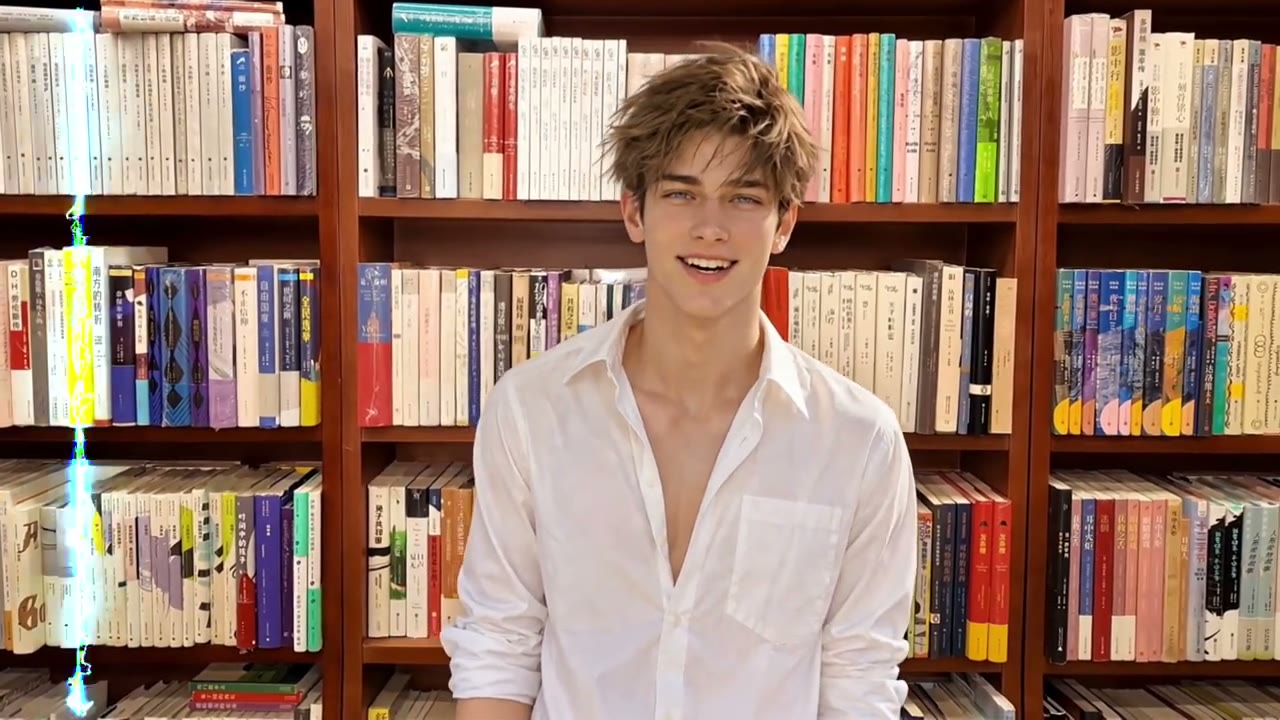
Live face swap
Recorded from the browser studio. The person keeps moving and the swapped face stays locked to their expressions and head turns.
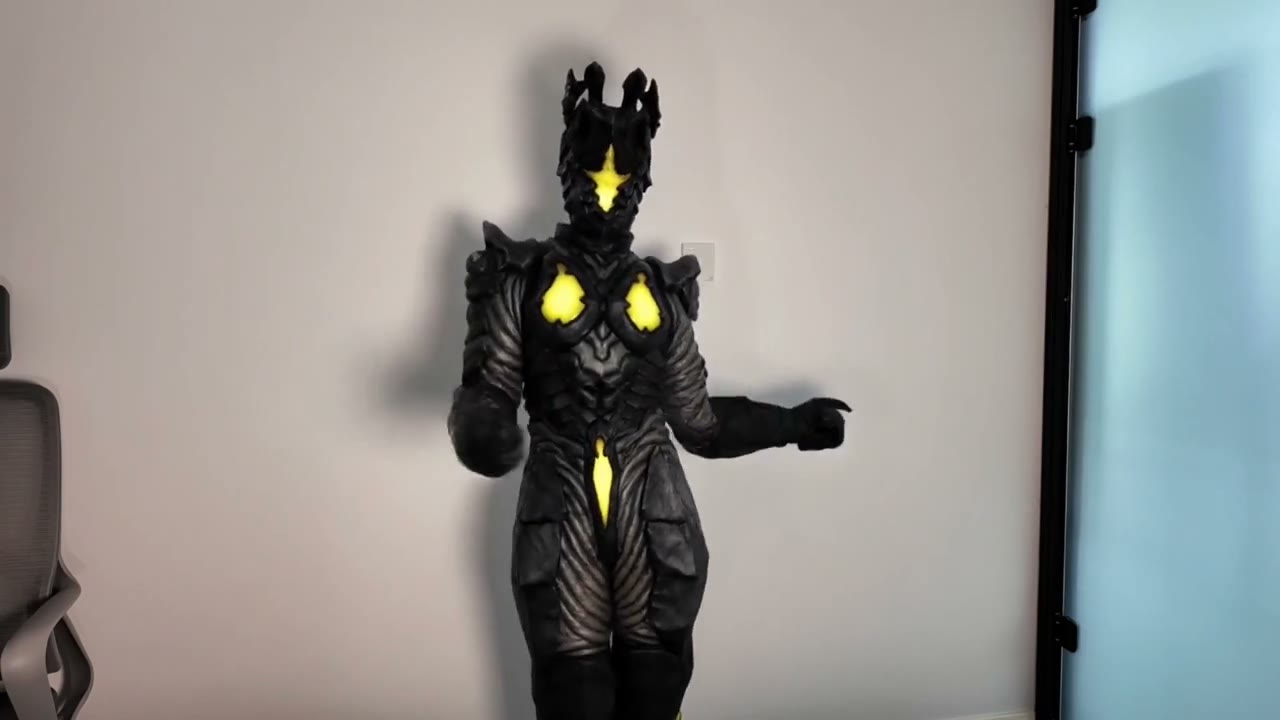
One person in a plain studio cycling through several characters without leaving the frame.
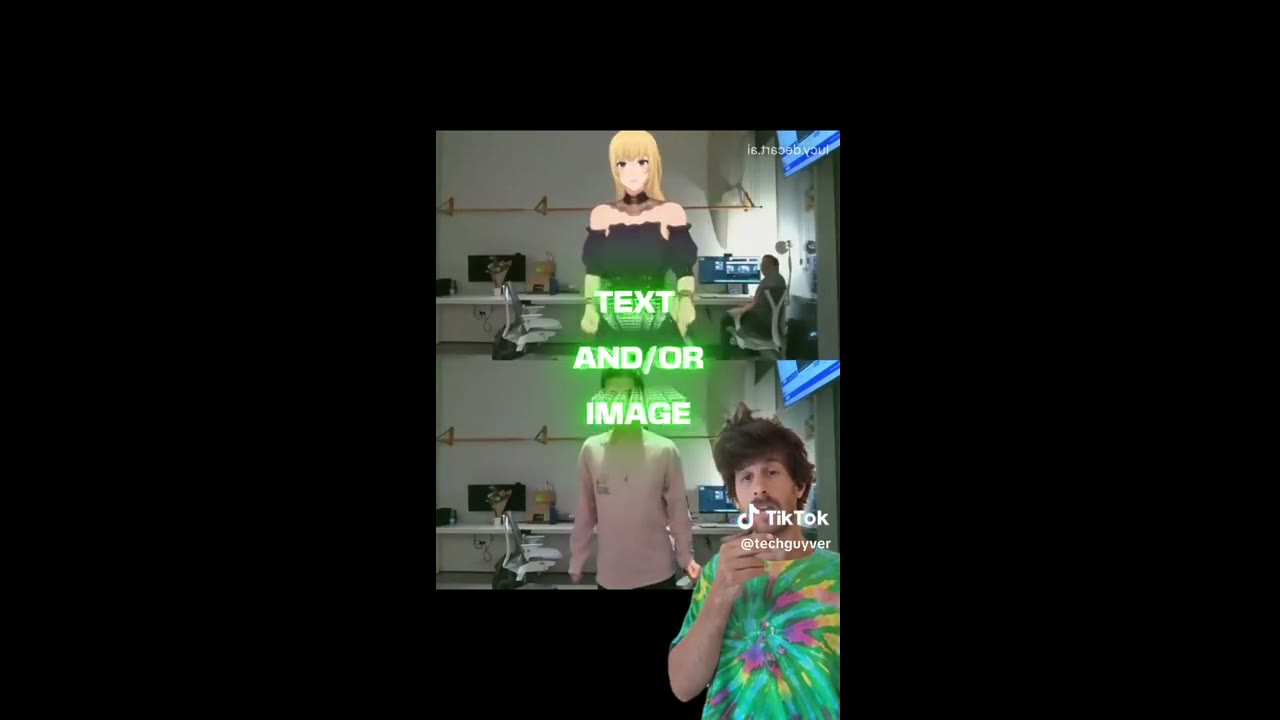
Live try-on
Upload an outfit image and the outfit follows the body as it moves — useful for styling, streams and product demos.
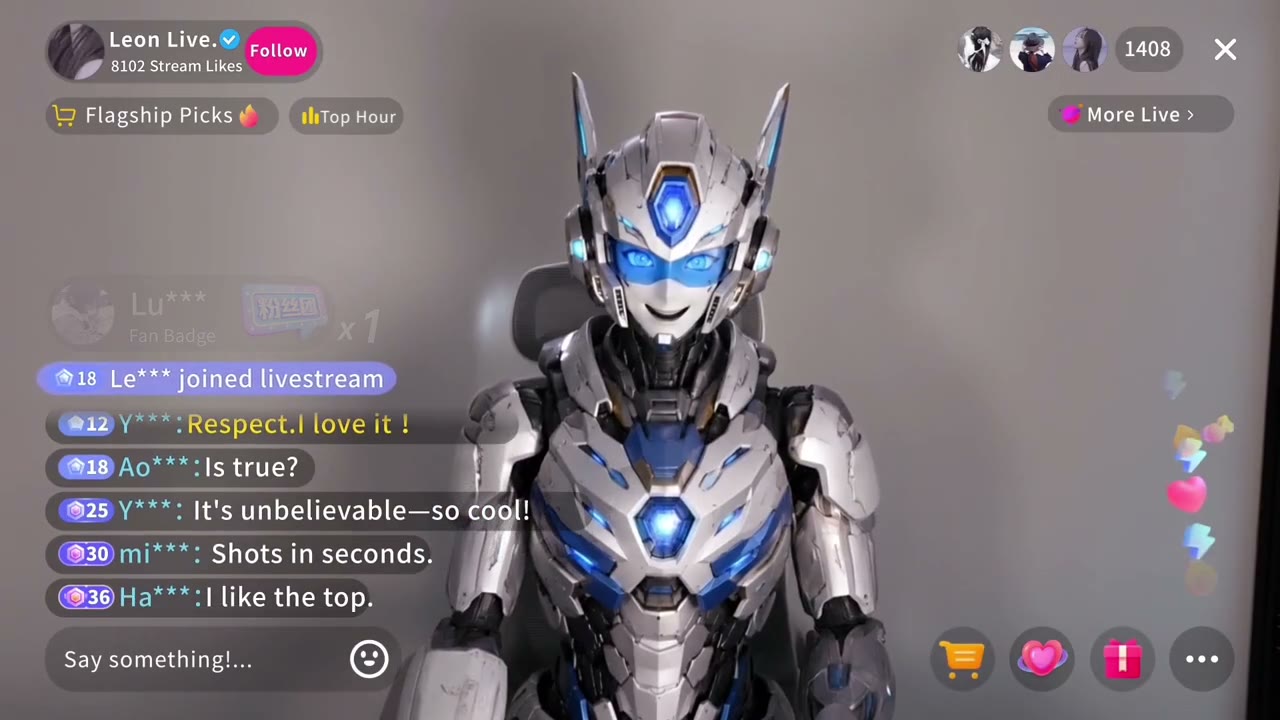
Live restyle
The whole camera view is restyled, from animation to painting, while the motion underneath stays yours.
Show up as a character or a themed look for special streams, then switch back in a click. Capture the output window in OBS.
Add a playful look to calls with people who know it's an AI effect. Always say when the face they see is generated.
Test looks, outfits and visual styles before a shoot, or record short clips that you clearly label as AI.
Frames from your webcam stream from your browser over an encrypted real-time connection.
A real-time video model uses your reference to re-render each frame while keeping your pose, expression and motion.
The generated video streams back beside your camera within a fraction of a second. Nothing is recorded.
| LiveFaceSwap.co (online) | Local open-source tools | |
|---|---|---|
| Setup | Open the page, allow the camera | Install Python, models, drivers and dependencies |
| Hardware | Any modern computer with a webcam | A capable local GPU for smooth results |
| Effects | Face swap, try-on and restyle in one place | Mostly face swap; extras vary by project |
| Streaming | Capture the output window in OBS | Virtual camera, depending on the project |
| Cost | Prepaid credits, billed per live second | Free software, but your hardware and time |
Pricing
$10 / 1,000 credits
1,000 credits · about 28 minutes of live face swap.
$59 / 4,000 credits
4,000 credits · about 1 hour 51 minutes of live face swap.
$119 / 10,000 credits
10,000 credits · about 4 hours 38 minutes of live face swap.
Yes. Your camera frames are sent to a cloud AI model and the swapped video comes back continuously, typically with a short delay of a fraction of a second depending on your network. It is a live preview, not a recording.
No. The AI model runs in the cloud. You need a webcam, a modern desktop browser such as Chrome, Edge or Safari, and a stable internet connection.
A clear, front-facing photo with the eyes, nose and mouth visible, even lighting, and no sunglasses or hair covering the face. Keep your own face well lit and centred in the camera.
Credits are consumed at 0.6 per second of live time, so one credit buys about 1.7 seconds. Starting a session reserves credits; when you stop, we read the actual connected time from the AI provider and return everything you did not use. New accounts get 10 free credits.
No. The live stream is processed to produce the output and is not recorded or saved by LiveFaceSwap.co. Reference images are uploaded only so the model can use them during your session.
Only if you own the image or have that person's clear permission. Impersonation, deception, harassment, sexual content and attempts to bypass identity checks are prohibited. See the acceptable use policy.
Sign up and get 10 free credits. No GPU, no download.