AI Batch Face Swap Online
Use one face image to replace a face in up to 10 photos.
- JPG / PNG / WebP input · up to 10 MB per file
- 20 credits per photo
- First photo result free
- About 2K output
- Sign-in required
- No watermark added by us
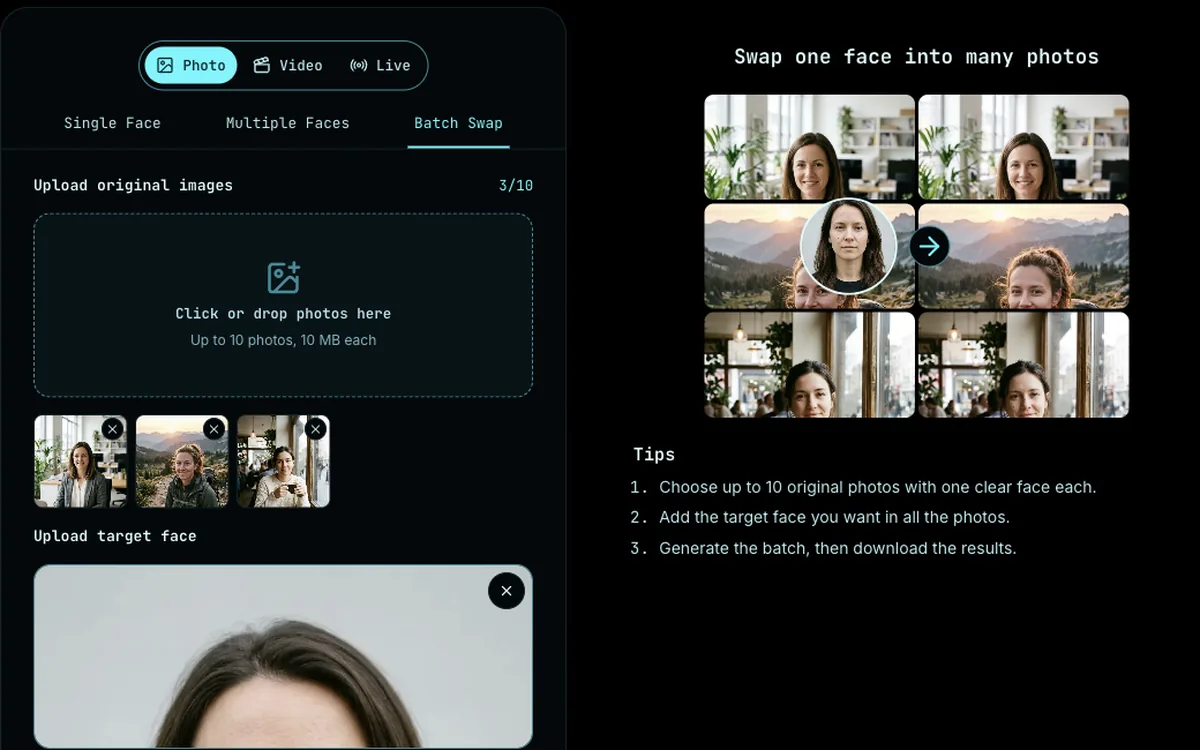
Upload original images
0/10Upload target face
Swap one face into many photos
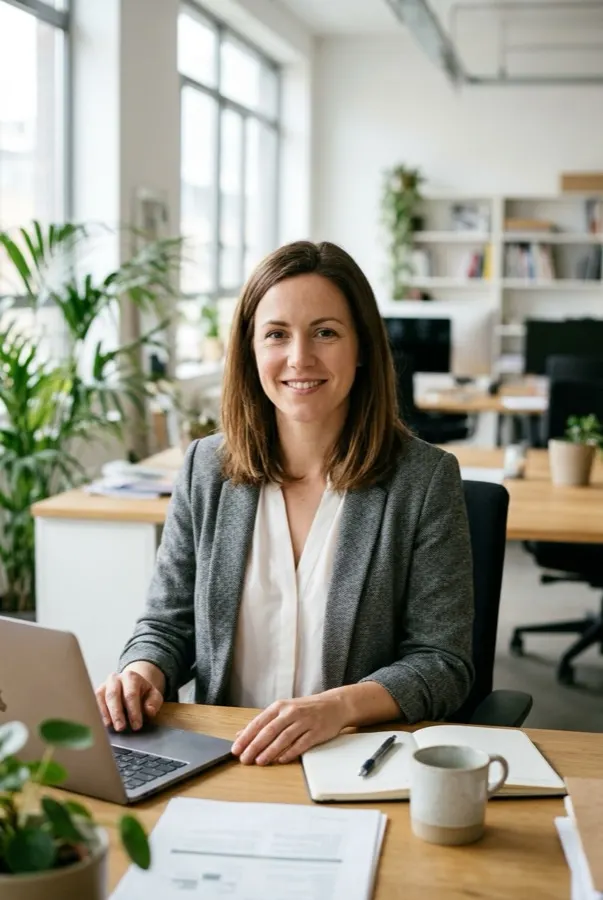
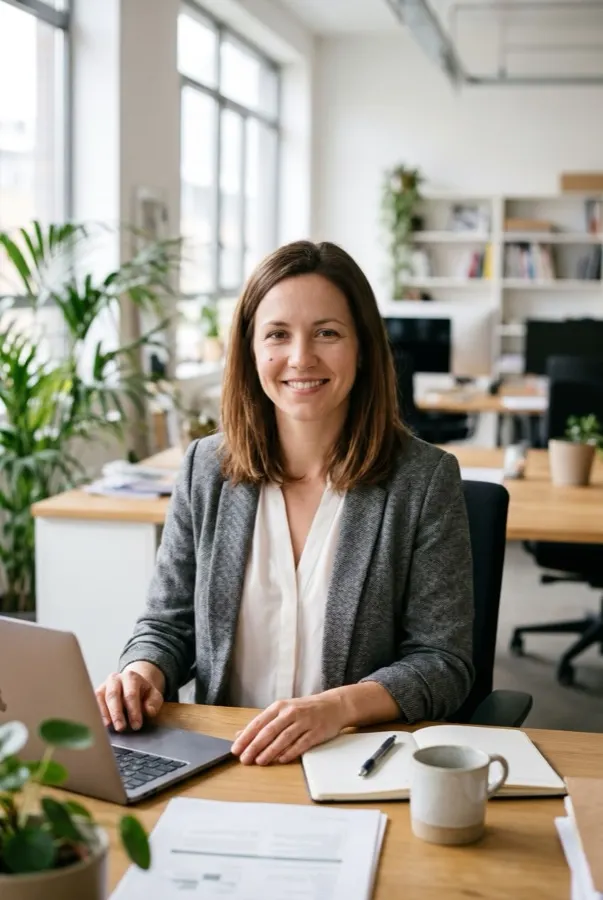
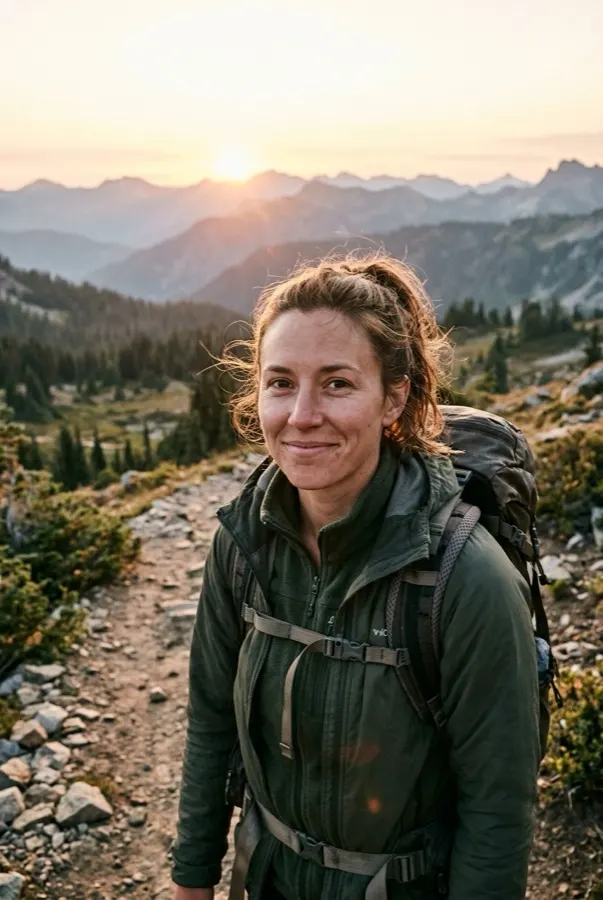
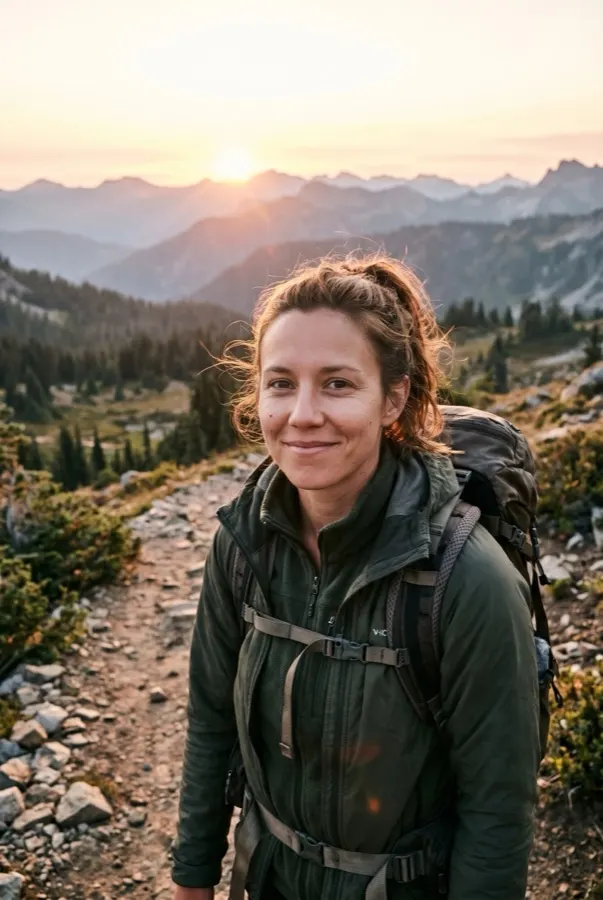
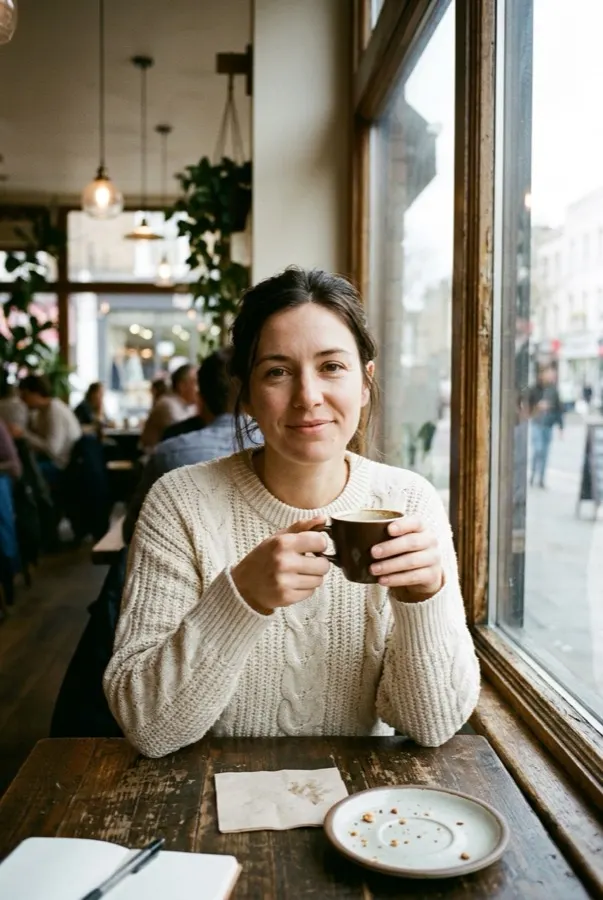
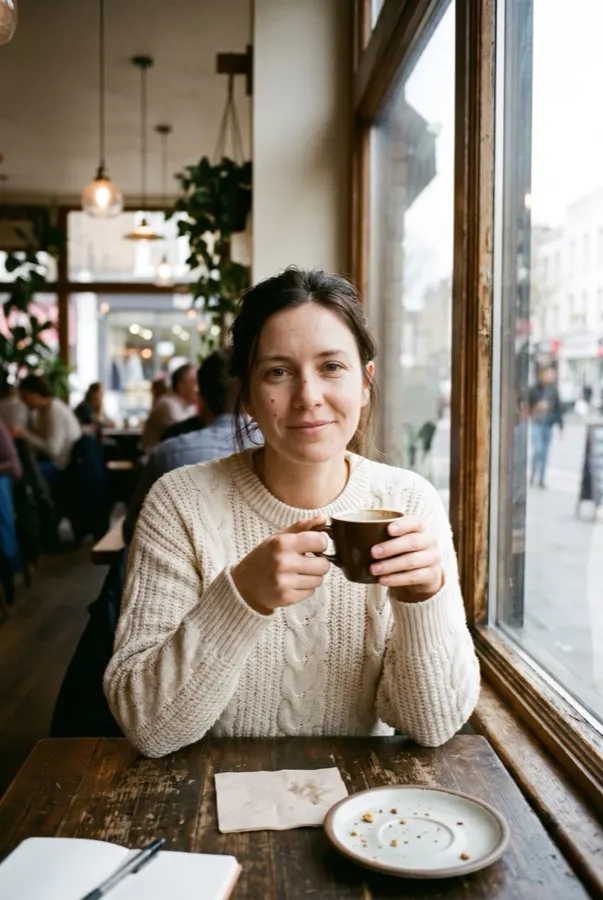
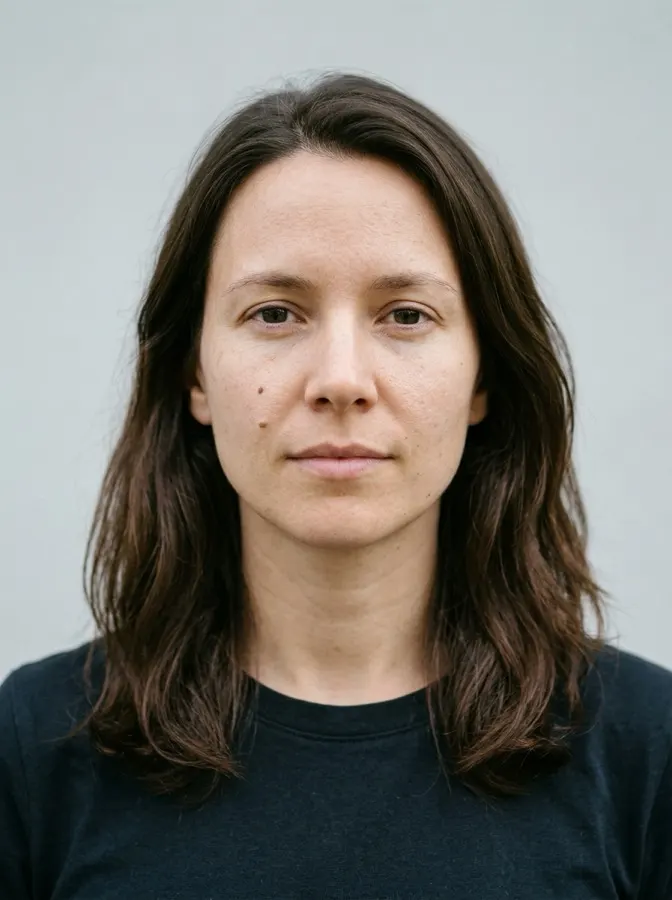
Tips
- Choose up to 10 original photos with one clear face each.
- Add the target face you want in all the photos.
- Generate the batch, then download the results.
Batch face swap for photos
A batch face swap, also called a bulk photo face swap, uses one reference portrait to replace a face across several original photos.
Check the total before you start, then save a separate result for each original. Uploads and results are stored privately with your account. We send inputs to an image AI provider to make the edit.
- Up to 10 photos per batch
- Separate downloads
- Private cloud storage
How to swap a face across a batch of photos in 4 steps
Add the original photos
Use Upload original images to add up to 10 photos with one clear face each.
Add the replacement face
Use Upload target face to add a sharp portrait for the whole batch.
Confirm consent and generate
Use Sign in to start and tick the consent box under the uploads. Check the full total, then select Generate.
Review and save your results
Keep the page open while the batch runs. Use Download this result on each finished photo, or Download all when the queue is done and at least two are ready.
Pick your swap
Choose by file type, the number of faces you want to replace, or how many files you have.
- PhotoPhoto Face SwapOne face in one photo.
- PhotoMultiple Face Swap2–4 faces in one group photo.
- PhotoBatch Face SwapOne face across up to 10 photos.
- LiveLive Face SwapSwap a face live on your webcam.
- VideoVideo Face SwapOne face in one video clip.
- VideoMultiple Video Face Swap2–4 faces in one clip.
- VideoBatch Video Face SwapOne face across up to 5 clips.
- GIFGIF Face SwapOne face in an animated GIF.
See a sample, then add your photos
Start with a clearly visible face in the original and a sharp, well-lit reference portrait.
- Upload original images takes up to 10 originals with one face each.
- Upload target face takes the portrait you want to use across the whole batch.
- Example pairs beside the upload boxes show how one reference face looks in different photos.
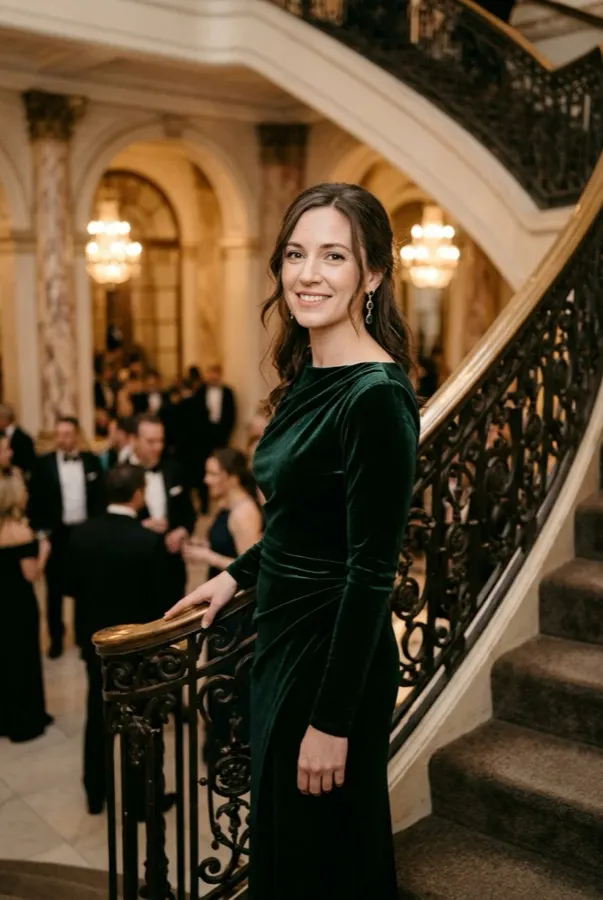
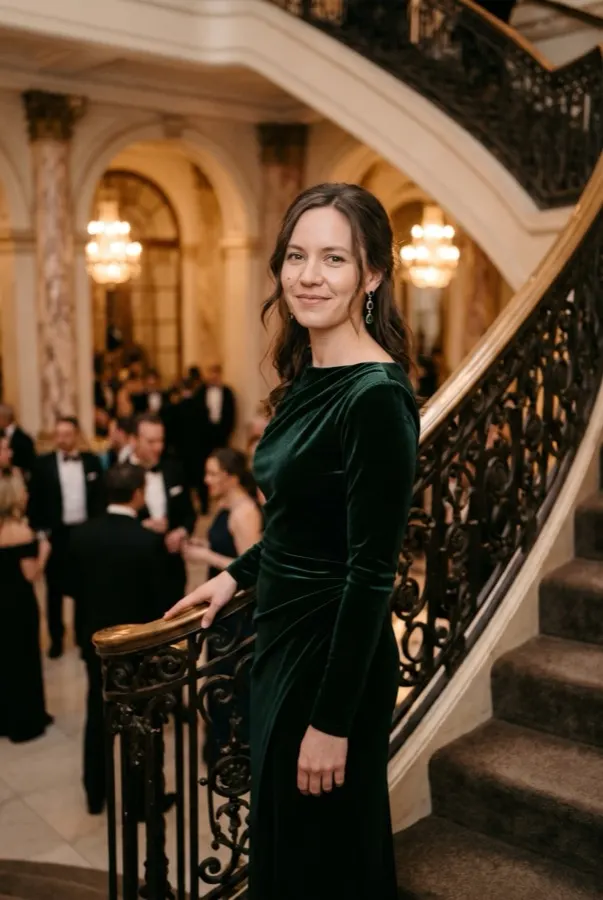
Compare before and after
Each original gets its own result with the same replacement face. Drag the slider to compare one original and its unedited result.
- Before shows the starting photo and its framing.
- After lets you check the face against the original pose, lighting and clothing.
BeforeAfterUse the same face across a story
Use one face photo across a set of scenes for a storyboard.
- Originals pick scenes with similar head angles.
- Reference use the same portrait to help the likeness carry across the set.
Compare outfits and settings
Try your own face in photos with different clothes, hair or lighting.
- Originals pick a different look for each photo.
- Results review them side by side to decide which look to recreate in a shoot.
Make a set for cards or invitations
Create several options for a card or invitation from the same face photo.
- Originals use images you have permission to edit.
- Downloads save the versions that fit the occasion.
Group photos and batches
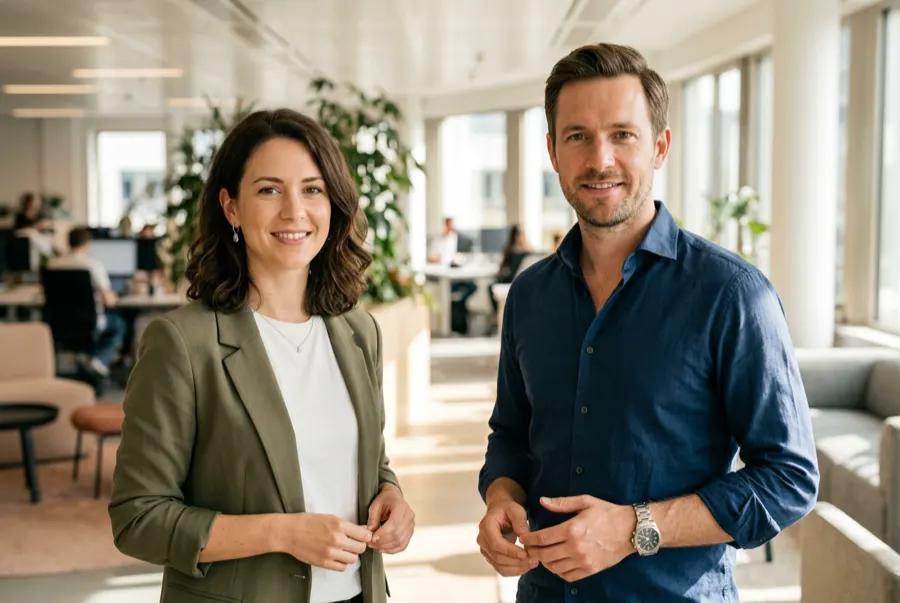
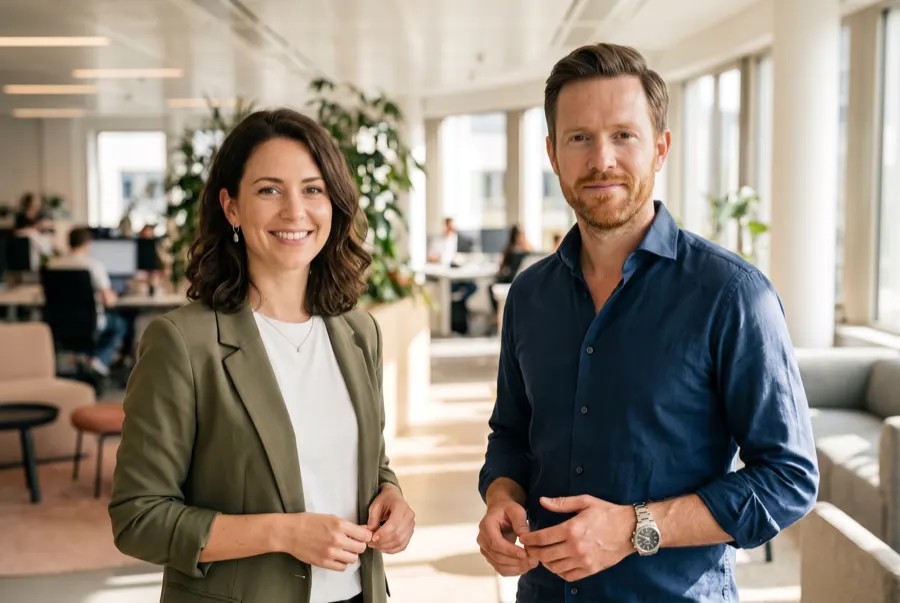
Choose between replacing several people in one group photo and using one face across a set of photos.
- Multiple Face Swap replaces 2–4 faces in one photo, using one portrait per person from left to right.
- Batch Face Swap applies one portrait to up to 10 originals, with a separate result and charge per photo.
- Photo Face Swap swaps one face in one photo.
What happens to your files
The editor sends your photos for processing. Your uploads and results are linked to your account.
Private storage
Your uploaded photos and results are
stored privately in our cloud storage, linked to your account
.Image processing
We send your input photos to a third-party image AI provider only to create your result. Signed input links expire after 1 hour.
Model training
We do not use your photos or results to train AI models.
File retention
We keep your photos and results until you delete your account or ask us by email to delete them. Email support@livefaceswap.co to request deletion.
Limits and price
Add up to 10 originals per batch. Each photo gets its own result and charge, with 2 photos processing at a time.
The $10.00 top-up buys 1,000 credits. These examples show what the credits are worth at that rate, before any trial credit.
| Edit | Per result | Total |
|---|---|---|
| Single face swap | 20 credits $0.20 | 20 credits $0.20 |
| Group photo (2–4 faces) | 30 credits $0.30 | 30 credits $0.30 |
| Batch of 5 photos | 20 credits $0.20 | 100 credits $1.00 |
| Batch of 10 photos | 20 credits $0.20 | 200 credits $2.00 |
Your first photo result is free if your account is eligible. New accounts also get 10 signup credits. See credit packs.
The batch editor checks your balance against the full total before starting. To use the trial without a top-up, start in Photo Face Swap.
Questions about batch face swap
What photos do I need to get started?
Use Upload original images for up to 10 photos with one visible face each. Use Upload target face to add a clear portrait of the face you want in every result.
How do I swap one face across a batch?
Use Upload original images and Upload target face, then sign in, tick the consent box and select Generate. Save results as they appear or use Download all when the queue is finished and at least two are ready.
Can I swap a face for free?
Your first photo result is free if your account is eligible. After that, this editor costs 20 credits per photo ($0.20 at the $10.00 top-up rate). The batch editor checks your balance against the full total before it starts.
Do I need to sign up before generating?
Yes. Use Sign in to start to sign in or create an account before choosing Generate. New accounts get 10 signup credits in addition to any eligible first-photo trial.
Will the download have a watermark?
No watermark added by us. The download is the image as returned by the image AI provider, with no edits by us.
Which photo formats and file sizes can I upload?
Use JPG, PNG or WebP, up to 10 MB per file. The same limit applies to originals and face photos.
How large is the finished image?
Each download is about 2K. The original photo drives the framing, so the exact pixel dimensions depend on its aspect ratio.
How long does a batch take?
A result usually takes about one to two minutes, and the editor processes 2 photos at a time. Keep the page open so the editor can start any photos still waiting.
Will the swap keep the hair, glasses and clothes?
The edit aims to keep hair, pose, clothing and background from the original photo. Glasses and other details near the face may change, so check them in the preview.
Do I get my credits back if it fails or looks wrong?
Credits are returned automatically for a failed generation, and the other photos keep processing. A completed image is charged even if the likeness is off and you choose to try again.
How do I replace several faces in one group photo?
Open Multiple Face Swap and choose Upload group photo. Add 2–4 reference faces in left-to-right order. Open Multiple Face Swap.
Can I use different target faces in the same batch?
Each batch uses the same face for up to 10 photos. Start a new batch for each different face, or use Photo Face Swap to edit one photo at a time. Open Photo Face Swap.
Can I swap faces on my phone?
Yes, open the editor in your iPhone or Android browser. Tap Upload original images to choose from your photos and save the result from the editor.
Where do my uploaded photos and results go?
We store your photos and results in private cloud storage linked to your account. Your input photos go to a third-party image AI provider to make the result through links that expire after 1 hour. Read the privacy policy.
Is it legal to swap a face or share the result?
Use images you have rights to edit and get consent from the people shown. Before sharing, check that you have permission to share and follow the acceptable use policy, which prohibits impersonation. Read the acceptable use policy.
What is the best online photo face swap tool for my edit?
Check how many faces or photos you can edit, what the download costs and how the tool handles your files. This editor applies one face across separate photos. For different people in a single group photo, use Multiple Face Swap.